
Robota Shop
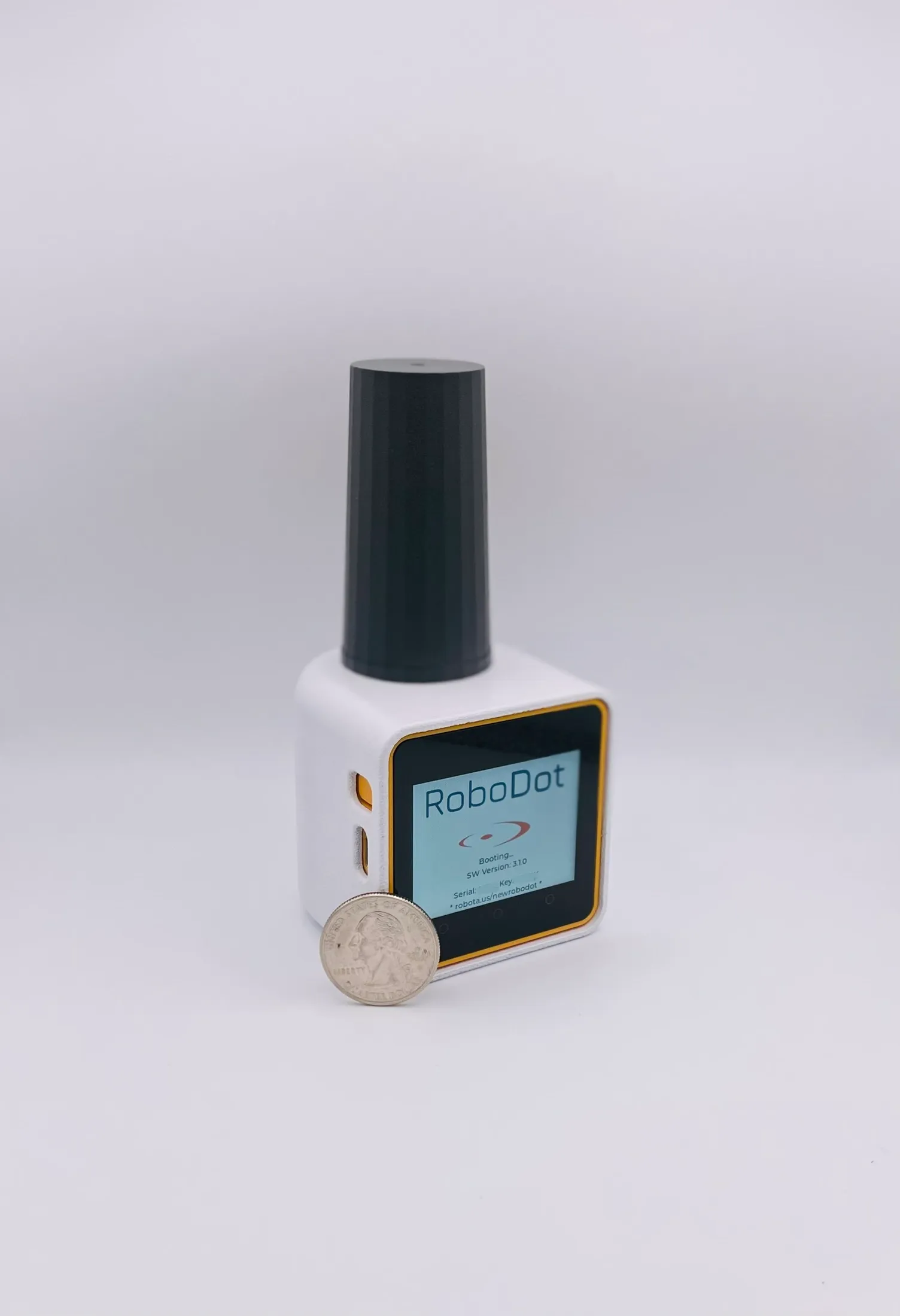
RoboDot Touch RTK GPS Receiver - Dual Use Base & Rover Unit
$1,875.00
Secure checkout by Stripe. Ships from Dallas, Texas — $15 flat rate in the US, $35 international. Prefer to talk to a person, or need a purchase order? Use the order form below.
The RoboDot Touch RTK GPS system for drone surveying offers versatile connectivity options, making it a reliable GNSS RTK system for professionals seeking precision. The base model supports both base station and rover operations, providing centimeter-level accuracy RTK corrections via WiFi or serial connection. In rover mode, it outputs NMEA position data through WiFi, TCP, Bluetooth LE, or serial interfaces, ideal for use with drones, tablets, or other surveying tools.
For enhanced functionality, the system can be equipped with a 900 MHz radio module, enabling direct communication between RoboDot devices in Rover, Base, or Repeater configurations. The radio capability can be activated at purchase or upgraded later, ensuring uninterrupted RTK correction delivery in remote areas without cellular coverage. The radio module is only required for direct inter-device communication and is not necessary for standard NTRIP operations over the internet.
Features
- Dual-band L1/L2 GPS, GLONASS, Galileo, BeiDou base station with NTRIP caster over WiFi
- Compact, field-ready RTK GPS system for drone mapping, construction, and commercial surveying
- GPS rover mode with NTRIP client for seamless RTK rover integration
- Internet access via WiFi access points
- Supports RTK and PPK workflows
- 8 GB memory for observation logging
- 1/4-20 threaded tripod mount
- Touch screen interface plus web interface accessible from any browser device
- 10+ hour runtime
- Optional 900 MHz radio feature for Rover/Base/Repeater operations
What's in the kit
- RoboDot Touch RTK GPS receiver
- 1.5 ft USB-C cable and 1 A USB wall cube
- 12-month manufacturer warranty
- RoboDot Windows utility for PPK workflows
- Optional 900 MHz radio features, enabled at purchase or any time later
Product manuals and setup guides are available at docs.robota.us.